How To Automate Business Processes Without Breaking Workflows
10 OCT 2026
Automate business processes by replacing repetitive manual steps with intelligent workflows that combine automation, AI, and human oversight. Modern process automation helps teams handle messages, documents, approvals, and system updates without relying on fragile scripts. This guide explains a practical framework to identify, design, test, and measure automation projects without disrupting existing operations.
Key Takeaways
- Successful automation starts with selecting high-impact processes using measurable criteria.
- AI-powered workflows improve handling of unstructured inputs while keeping human review available.
- A clear ROI framework helps teams prove automation value before expanding.
What Does It Mean To Automate Processes?
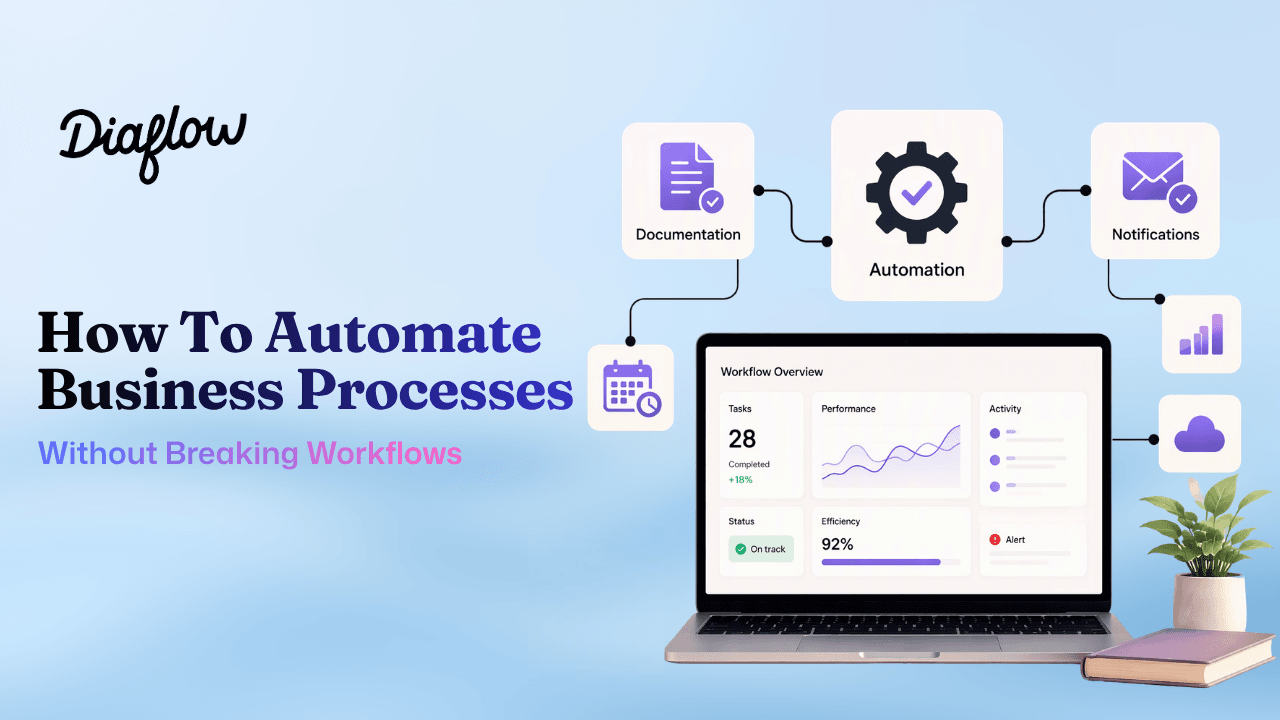
Automate business processes means creating repeatable systems that move work from input to outcome with minimal manual intervention. Business process automation (BPA) focuses on improving complete workflows, while related technologies solve narrower problems.
How do BPA BPM RPA and iPaaS differ?
BPA manages an end-to-end business activity such as lead qualification, invoice processing, or customer support routing. Business process management (BPM) focuses on designing and improving processes. Robotic process automation (RPA) uses software robots for predictable tasks, while iPaaS connects different applications through integrations.
A simple decision tree helps teams choose the right approach:
- Use RPA when the task follows fixed rules and structured data.
- Use iPaaS when systems need reliable data movement between applications.
- Use BPA with AI workflows when processes involve judgment, documents, conversations, or changing conditions.
Traditional automation often fails because businesses now process information that does not fit fixed fields. Customer emails, contracts, chat messages, and internal documents require interpretation before action. Modern AI agents can analyze context, retrieve information, and trigger next steps while maintaining approval points.
When we tested process audits with operational teams, the strongest automation candidates were rarely single clicks. They were multi-step workflows where people repeatedly collected information, made decisions, updated several systems, and needed a consistent way to build workflow logic without breaking production operations.
Why are intelligent workflows replacing scripts?
Legacy scripts break when inputs change because they depend on predictable formats. AI-enabled workflows use retrieval, reasoning, and conditional logic to adapt to business conditions. Teams can connect knowledge sources, define approval rules, and monitor outcomes instead of rebuilding automation after every change.
Which Processes Should You Automate First?
The best processes to automate first are recurring workflows with high volume, clear business impact, and measurable inefficiencies. A structured selection method prevents teams from automating tasks that save little time.
What five process types offer automation value?
Most organizations can classify opportunities into five categories:
- Customer operations: lead qualification, support requests, onboarding.
- Content operations: research, drafting, review, publishing.
- Administrative operations: approvals, reporting, document handling.
- Data operations: extraction, validation, synchronization.
- Employee operations: onboarding, policy questions, internal requests.
Teams should score each opportunity using an impact-versus-effort matrix. Rate impact from one to five based on hours saved, revenue influence, error reduction, and customer experience improvement. Rate effort from one to five based on complexity, integrations, and governance requirements.
| Score | Automation Priority | Example |
|---|---|---|
| High impact, low effort | Quick win | Automated report generation |
| High impact, high effort | Strategic project | AI customer qualification workflow |
| Low impact, low effort | Optional improvement | Simple notifications |
| Low impact, high effort | Avoid initially | Complex low-volume tasks |
In our experience working with teams evaluating automation, the biggest gains came from removing repeated coordination work rather than replacing individual actions. A workflow that eliminates ten handoffs often creates more value than a workflow that automates one isolated task.
How Do You Automate a Process Stepwise with Diaflow?
A nine-step automation playbook minimizes implementation risk by transforming fragmented, informal workflows into predictable, measurable systems.
The 9-Step Playbook for Reliable Process Automation:
- Document the Current Process: Map out native triggers, raw inputs, conditional decision points, existing tech stacks, and final deliverables.
- Define Success Metrics: Establish quantitative baselines—such as task handling duration, human error rates, or speed-to-lead.
- Choose Automation Boundaries: Determine which steps follow deterministic logic, which require cognitive AI reasoning, and where human sign-offs (Human-in-the-loop) are essential.
- Consolidate & Index Knowledge Sources: Centralize internal SOPs, pricing catalogs, and policies via Diaflow Drive, then ingest them into Diaflow Wiki for high-precision, hallucination-free retrieval (RAG).
- Orchestrate the Visual Workflow: Leverage Diaflow Studio to design node-based logic—connecting event triggers, multi-LLM inferences, real-time database operations via Diaflow Tables, and third-party webhooks.
- Stress-Test Exception Paths: Validate edge cases, ambiguous customer prompts, missing variables, and system timeouts before production.
- Deploy Across Touchpoints with Live Monitoring: Launch workflows through standalone internal dashboards (Diaflow Pages), interactive widgets (Diaflow Chat), or external messaging APIs while continuously auditing execution logs. If you want to validate fit for your workflow, book a demo.
- Empower Teams & Define Escalation: Provide operational leads with clear ownership, role-based controls, and seamless hand-off pathways to human agents.
- Iterate & Continuously Optimize: Continuously refine system prompts, update knowledge articles in Diaflow Wiki, and tune integration rules based on empirical interaction logs.
Key Takeaway: Sustainable automation depends on governance just as much as technology. Without clear operational ownership, structured review checkpoints, and measurable KPIs, automated pipelines quickly deteriorate into unmanaged legacy systems.
What Are Real Automation Examples Today?
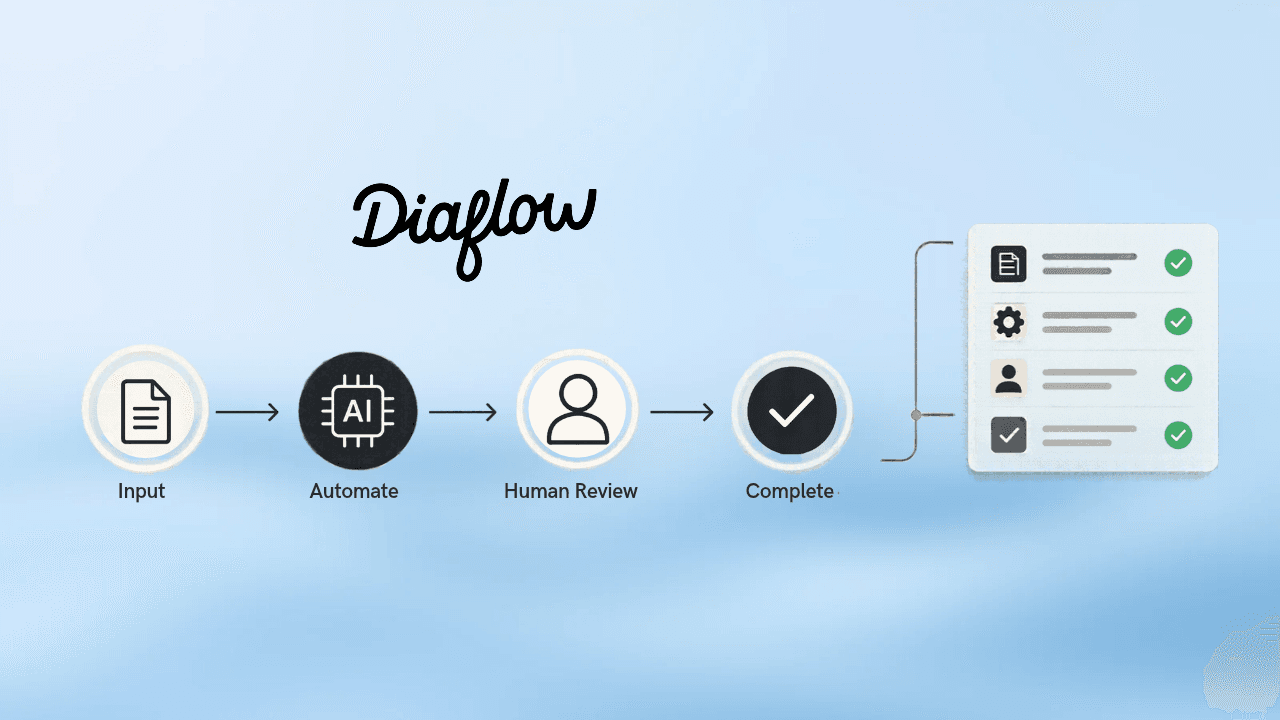
Real automation examples show how teams combine AI decisions with business actions across departments.
Which workflows can businesses automate?
| Department | Workflow | Automation Outcome |
|---|---|---|
| Marketing | Marketing workflow content pipeline | Generate drafts, assets, and reports faster |
| Sales | Lead qualification | Score leads and notify representatives |
| Finance | Invoice processing | Extract information and route approvals |
| HR | Employee support | Answer policy questions automatically |
A complete example is an AI lead qualification workflow. The trigger is a website inquiry. The workflow extracts customer information, checks qualification rules, retrieves product information, assigns a lead category, and alerts sales staff. Exception paths handle missing details, unclear requests, or high-value opportunities requiring human review.
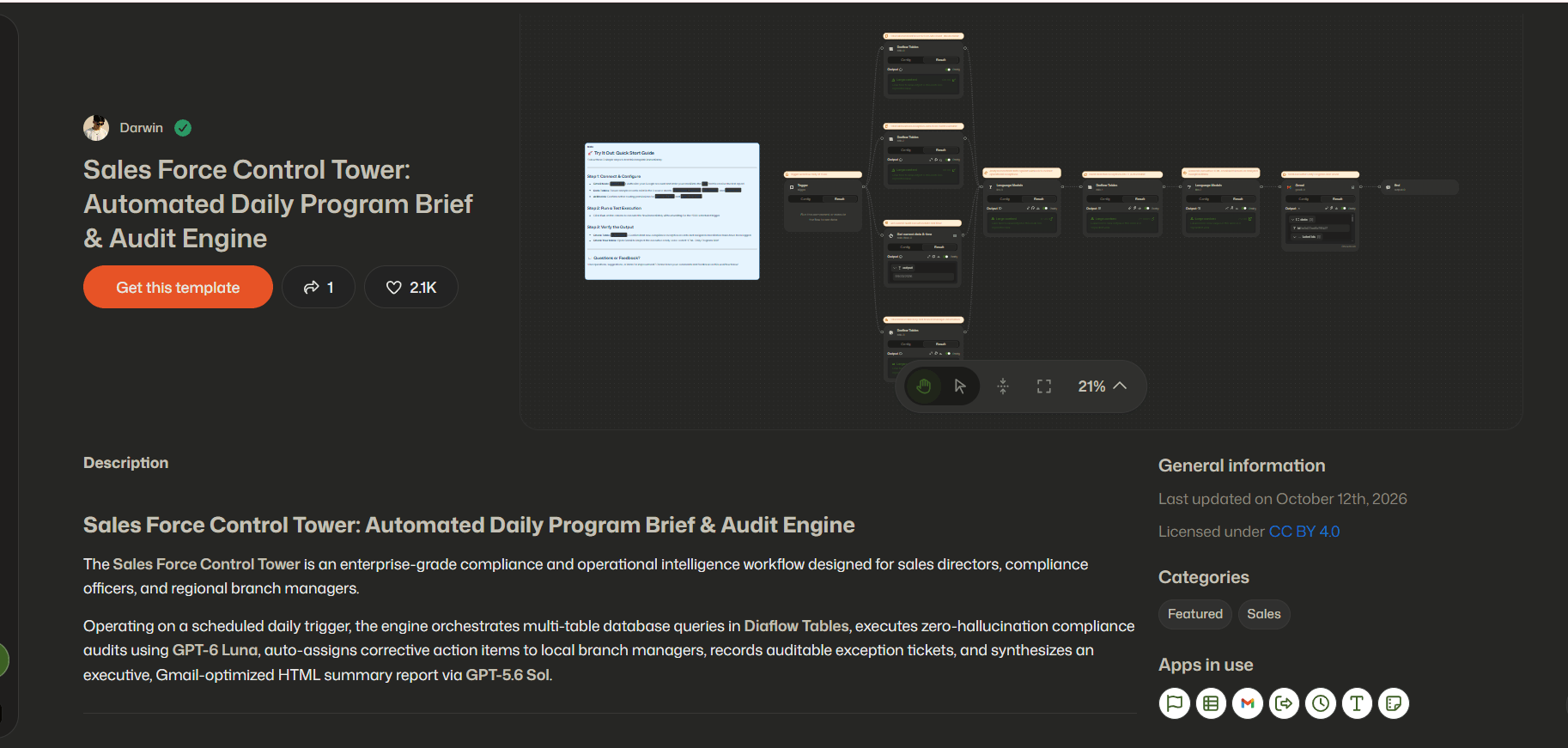
For a practical example, you can explore Diaflow's Sales Force Control Tower template. This automated daily program brief and audit engine streamlines real-time operations by automatically aggregating sales metrics, tracking team progress, and generating concise daily briefings for managers, eliminating hours of manual reporting.
Recommended KPIs include response time, qualification accuracy, conversion rate, and human intervention rate. A workflow is successful when it improves outcomes while keeping important decisions controlled.
A concrete example: Devtify Technologies Corporation used Diaflow for software development operations and reported saving $10,000 every month through improved workflow efficiency. The example demonstrates how reducing repetitive operational work can create measurable capacity gains.
How Do You Measure Automation ROI Simply?
Automation ROI becomes clear when teams compare current process costs with improved workflow performance. A simple formula is:
ROI = (Annual savings - Annual automation cost) / Annual automation cost
Which metrics should teams track?
- Time saved per process completion.
- Reduction in manual errors.
- Faster customer response times.
- Additional output created without additional headcount.
For example, a marketing team spending 20 hours each week creating campaign variations can calculate the value of recovered hours using average labor cost. If automation reduces that work by 10 hours weekly, the team can estimate annual capacity improvement and compare it against platform costs.
A baseline template should capture the current state, target state, measurement period, and owner. Teams should avoid measuring only activity volume. The strongest metrics connect automation to business outcomes such as faster sales cycles, lower operating costs, and improved customer satisfaction.
Common Questions About Process Automation
What is business process automation?
Business process automation uses technology to manage repeatable workflows by connecting tasks, systems, data, and decisions with less manual effort.
Can AI automate complex workflows?
AI can support workflows involving documents, conversations, and decisions when combined with business rules and human review controls.
How should beginners start automation?
Beginners should select one measurable workflow, document the current process, define success metrics, and test a small automation.
How does Diaflow support workflow automation?
Diaflow helps teams prototype AI-powered workflows using connected modules for automation, knowledge retrieval, data management, and collaboration.
Start by mapping one repetitive process with clear inputs, outputs, and success metrics. Teams can then use Diaflow to prototype an AI workflow on a visual canvas and explore how intelligent automation can improve daily operations without breaking existing workflows.