Introducing the Diaflow Changelog: Track Every Feature, Improvement, and Fix
28 SEPT 2026
At Diaflow, shipping fast isn't just an internal engineering rhythm. It is our core commitment to constantly expanding what your workflows, automations, and AI agents can accomplish. Over the past few months alone, we’ve rolled out dozens of game-changing capabilities: from autonomous AI Teammates and block-based Pages to high-speed Typesafe evaluation nodes and multi-model video generation.
With updates deploying weekly (and often several times a week), staying up to speed with every new feature, workflow optimization, and reliability fix shouldn't require digging through email digests or tracking down scattered announcements.
Today, we are thrilled to officially unveil the Diaflow Product Changelog
Why a Dedicated Changelog?
Modern teams rely on Diaflow to orchestrate mission-critical business logic, customer communications, and operational pipelines. When a platform powers your daily infrastructure, complete visibility into what’s changing is essential.
We designed the Changelog around three core principles:
1. Customer-Centric Context
Rather than publishing cryptic internal build numbers or dry commit hashes, every entry on our Changelog is written with operational context. You’ll immediately see what changed, why it matters, and how it enhances your day-to-day work across Studio, Tables, Pages, and Chat.
2. At-a-Glance Categorization
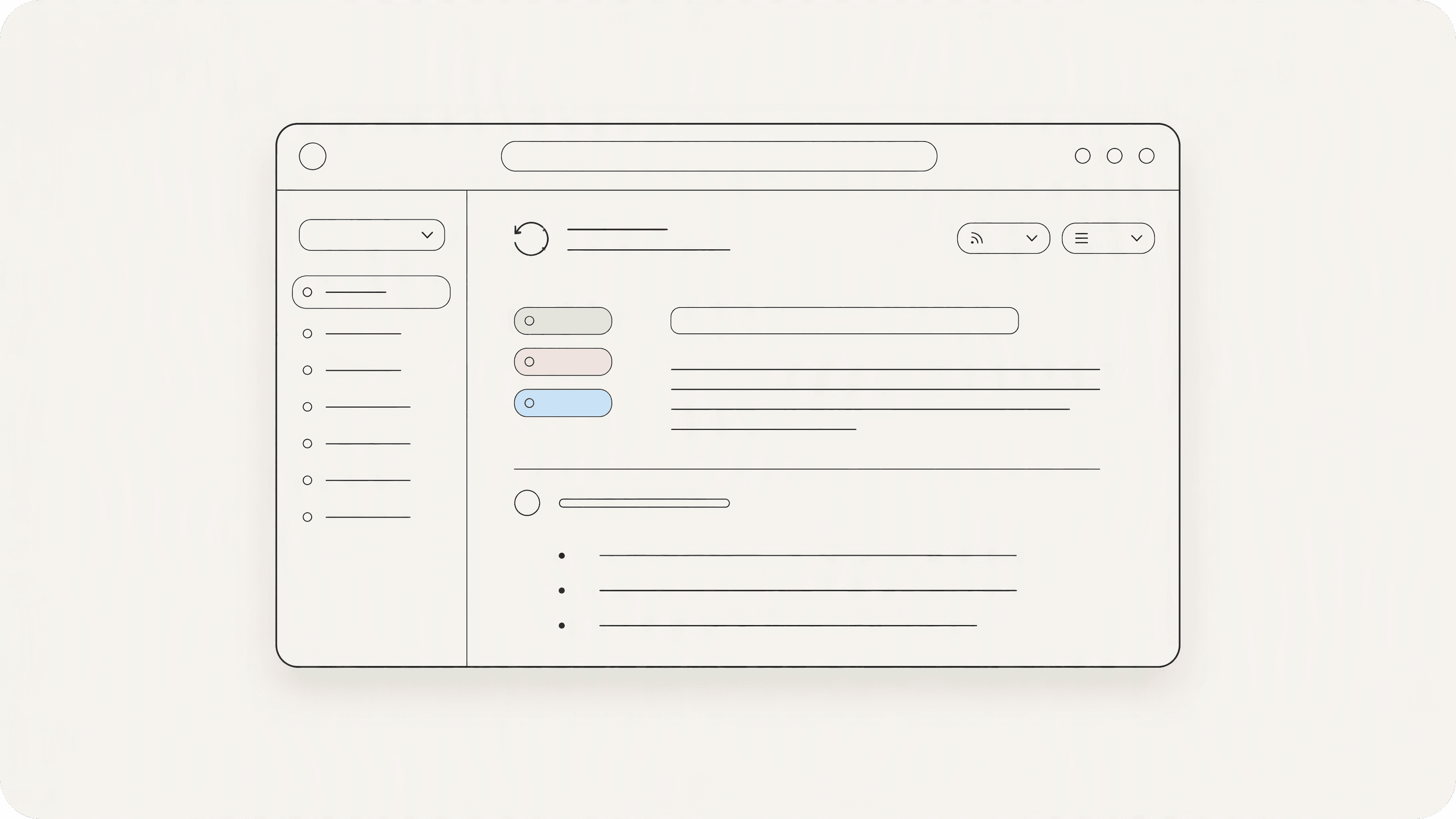
Every update is systematically tagged so you can filter and scan for what impacts your team:
New Feature: Groundbreaking capabilities, new workflow nodes, and fresh AI model integrations.Improvement: Quality-of-life enhancements, speed boosts, and workflow UI refinements.Fix: Reliability fixes, edge-case resolutions, and platform stability optimizations.
3. A Single Source of Truth
Whether you want to verify the latest model additions (like Kling AI video generation), check formula engine upgrades in Tables, or see the latest drag-and-drop file node improvements, the Changelog documents the complete evolution of Diaflow in reverse chronological order.
A Quick Glance at Recent Breakthroughs
If you haven’t explored our recent releases yet, here is a snapshot of what went live recently:
Multi-Asset Bulk Ingestion in Drive: Single Diaflow Drive nodes now accept multi-line file data inputs, allowing you to ingest and organize dozens of media assets simultaneously with automatic name-collision protection.
Expanded Table "Run an App" Actions: Access the full catalog of Builder Apps directly inside Table Action cells with zero-credit configuration saves and historical test run inspection.
Real-Time Formula Recomputation: Mathematical and logical formula columns in Diaflow Tables now re-evaluate automatically the second dependent cell values change without browser reloads needed.
Kling AI Video Engine: Native integration with Kling AI brings cinematic video generation capabilities directly onto your Studio canvas.
Seamless Spreadsheet Paste: Copy and paste multi-row, multi-column datasets directly from Google Sheets or Excel straight into Diaflow Tables with preserved formatting.
Jev (Typesafe) Evaluation Engine: Sub-millisecond, deterministic decision routing and classification nodes that enforce strict schema contracts across your workflows.
Where to Find It
The Diaflow Changelog is live and publicly accessible starting today.
👉 Explore the Changelog: docs.diaflow.io/changelog
We recommend bookmarking the link or checking in after our weekly deployments to discover what new superpowers your workspace has gained.
Have feedback or a specific feature you’d love to see in our next release? Join our community or drop us a line directly from your Diaflow workspace. We’re just getting started!