Mini Teammates: Ambient In-App AI Collaboration Anywhere in Diaflow
9 OCT 2026
The biggest productivity killer in workflows isn’t the complex logic, it’s the endless tab-swapping. Every time you need AI assistance, your flow stops cold: you leave your canvas, copy-paste raw JSON payloads, node configs, or schema IDs into an external browser tab, and waste valuable minutes re-explaining context to a chatbot that can't see your screen.
We built Mini Teammates to put an end to this workflow fragmentation. It brings a screen-aware AI assistant right alongside your active canvas, table, or page, allowing you to consult in place and with Interactive Mode, fix errors directly on your screen without ever losing your context or switching windows.
What is Mini Teammates in Diaflow?
Unlike a chatbot that opens in a modal and blocks your screen, it sits beside your work:
- Keep your task in view. Consult your AI Teammate while the canvas, table or page stays editable.
- No copy-paste to outside tabs. Stop moving JSON payloads, node configurations and table schema IDs into external windows.
- Two conversations at once. Work through schema logic in one thread and refine customer-facing copy in another.
Diaflow Pro Tip: You can keep Mini Teammates pinned beside your active canvas to review suggestions while retaining full editing capabilities, or expand it to full view when deep architectural planning is required.
How do teams use Mini Teammates daily?
Instead of treating advisory chat and execution as disconnected steps, Mini Teammates combines in-line guidance with screen-aware actions across Diaflow’s three core surfaces:
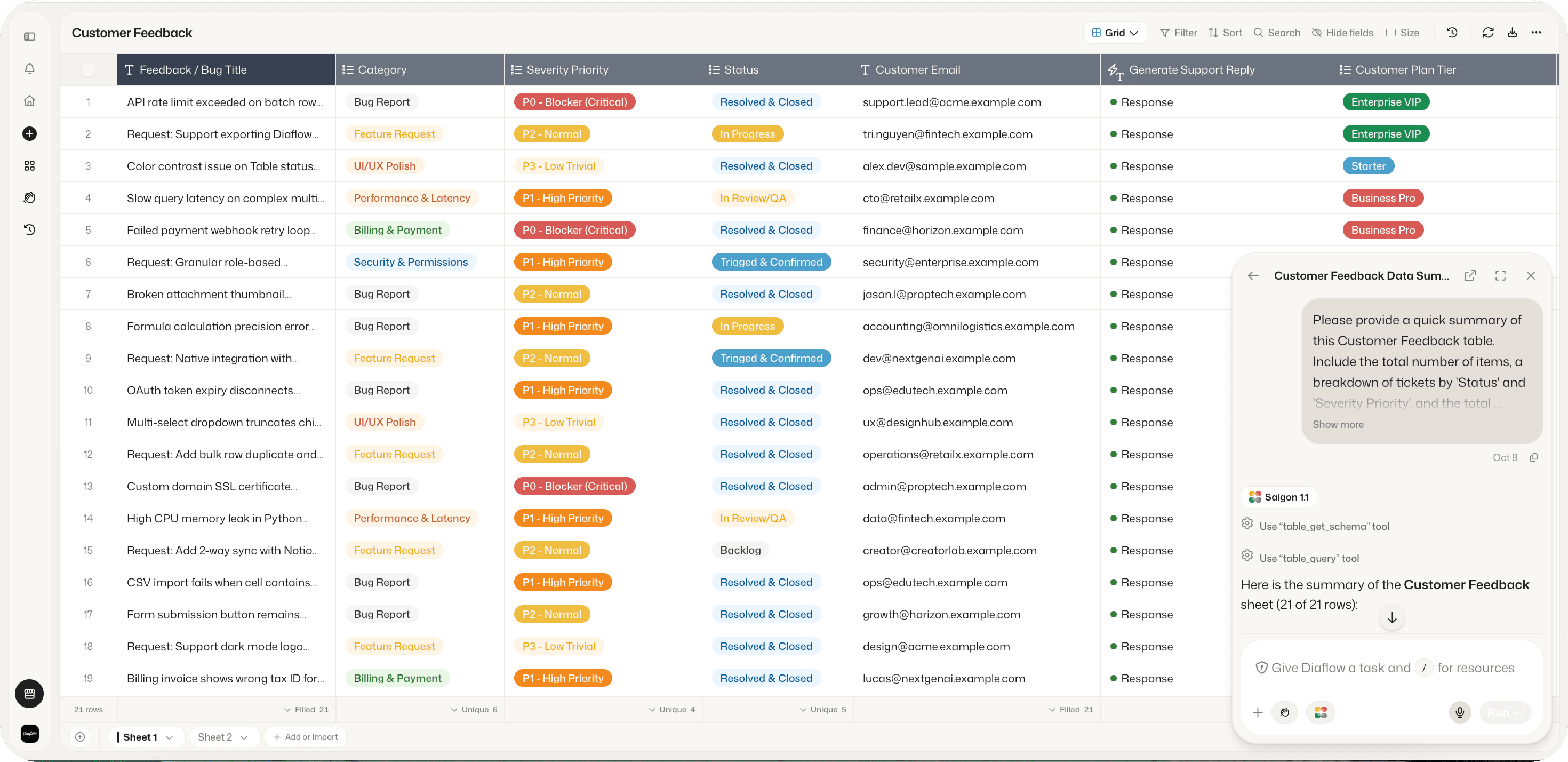
1. In Tables: Autonomous data hygiene
When building lead-scoring tables or support ticket archives inside Diaflow Tables:
- Consultation: Ask your agent to recommend optimal column attributes and data types, or generate regex rules and transformation formulas without losing your scroll position.
- Interactive Mode: Instruct your Teammate to normalize inconsistent phone numbers, resolve empty date fields, or categorize hundreds of raw customer feedback entries directly in your live table view.
2. In Studio: Real-time flow debugging
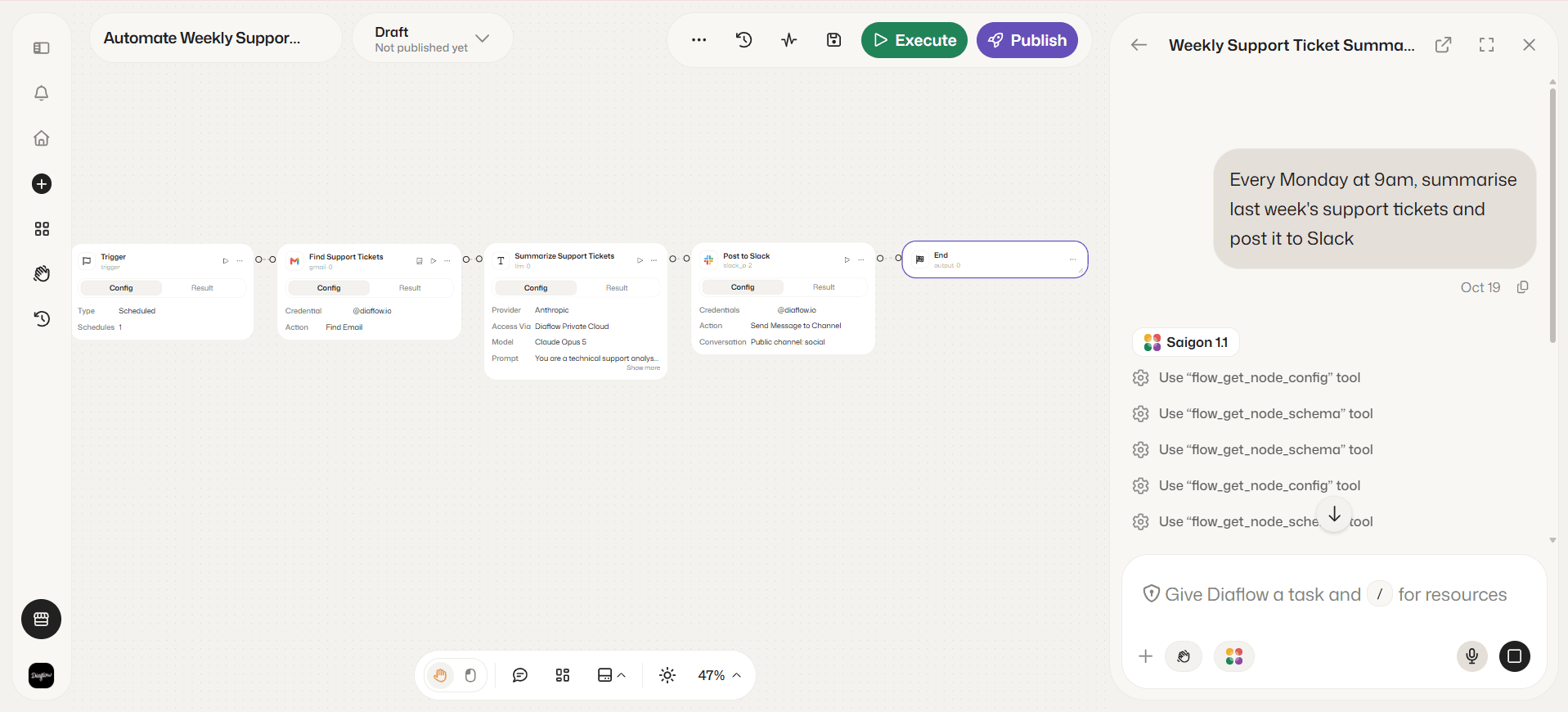
Pipelines such as Monday ticket digests or webhook routers depend on correct node inputs and error handlers.
- Consultation: Ask specialized agents (such as Saigon 1.1) to verify payload mapping between trigger nodes and external services (Gmail, Slack, Linear), draft concise system prompts for LLM nodes, or validate edge cases with mock test data.
- Interactive Mode: When a node encounters an execution error or missing payload parameter, your Teammate inspects canvas connections directly, diagnoses the root cause, and applies configuration fixes in place.
3. In Pages: Contextual documentation and co-authoring
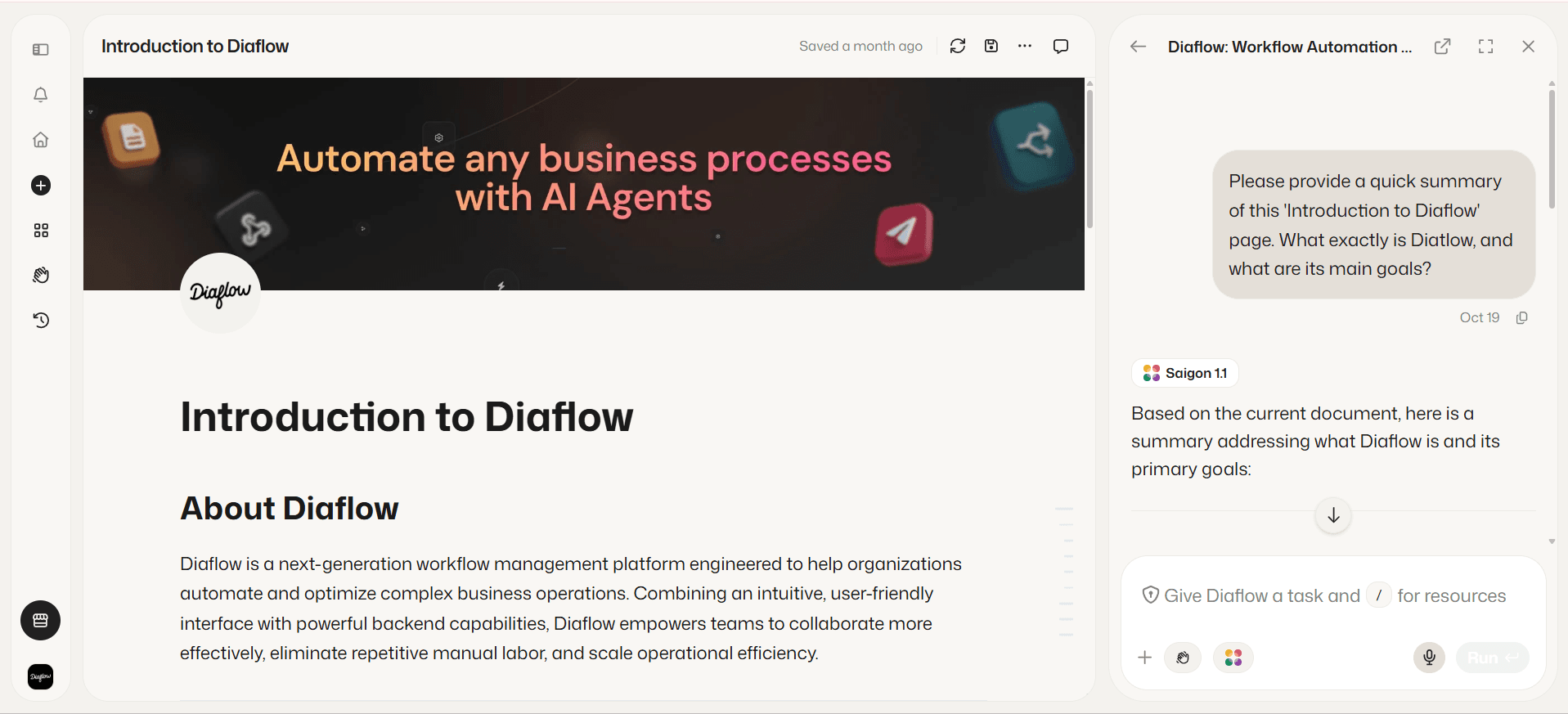
When drafting standard operating procedures (SOPs), knowledge-base guides, or technical specs in Diaflow Pages:
- Consultation: Use your Teammate as an on-demand research partner to generate structured outlines, polish draft copy, and cite workspace tables without leaving the document editor.
- Interactive Mode: Draft and format documentation interactively. Your Teammate suggests text updates, structures callouts, and inserts visual summary tables alongside your cursor.
Why choose ambient AI over tab swapping?
By embedding autonomous AI agents directly within the execution layer, Diaflow eliminates the fragmentation inherent in legacy orchestration tools:
Operational Metric | Fragmented Tooling (Tab-Swapping) | Diaflow with Mini Teammates |
|---|---|---|
Context Switching Overhead | 15-20 minutes lost per interruption | Near-zero (Ambient canvas UI) |
Logic & Schema Debugging | Manual copy-pasting to external LLMs | Instant in-canvas resolution |
Exploration Speed | Linear, single-thread queries | Dual concurrent brainstorm threads |
Learning Curve for Business Users | High (JSON & syntax barriers) | Conversational UI directly over active work |
Frequently Asked Questions (FAQ)
Where can I access Mini Teammates in Diaflow?
Mini Teammates is accessible from the floating widget in the bottom-right corner of almost every view in Diaflow, including Studio, Tables, Pages, and Settings. It is hidden only when you navigate to the full-screen Teammate chat page.
Can I run multiple conversations at the same time?
Yes. Mini Teammates supports dual concurrent threads, allowing you to brainstorm technical workflow logic on one thread while drafting documentation or business copy in another.
How is Interactive Mode different from standard chat?
Standard chat operates as a conversational assistant where you exchange text. Interactive Mode gives the AI agent secure, real-time awareness of your active screen, allowing it to directly inspect nodes, fix workflow errors, manipulate table cells, and format document blocks.
The Repetitive Work Was Never Your Job
True automation is not about running jobs in disconnected silos - it is about empowering business creators and technical builders to move from idea to execution with zero friction.
Mini Teammates is live on your Diaflow workspace today. Click the widget in your bottom-right tray, start a conversation with your AI Teammate, and experience ambient collaboration firsthand.